Business Automation & System Integrations
1001569350 Ontario Inc. connects the systems your business already uses and automates repetitive work, so information moves reliably between websites, apps, APIs and business tools without manual copying.
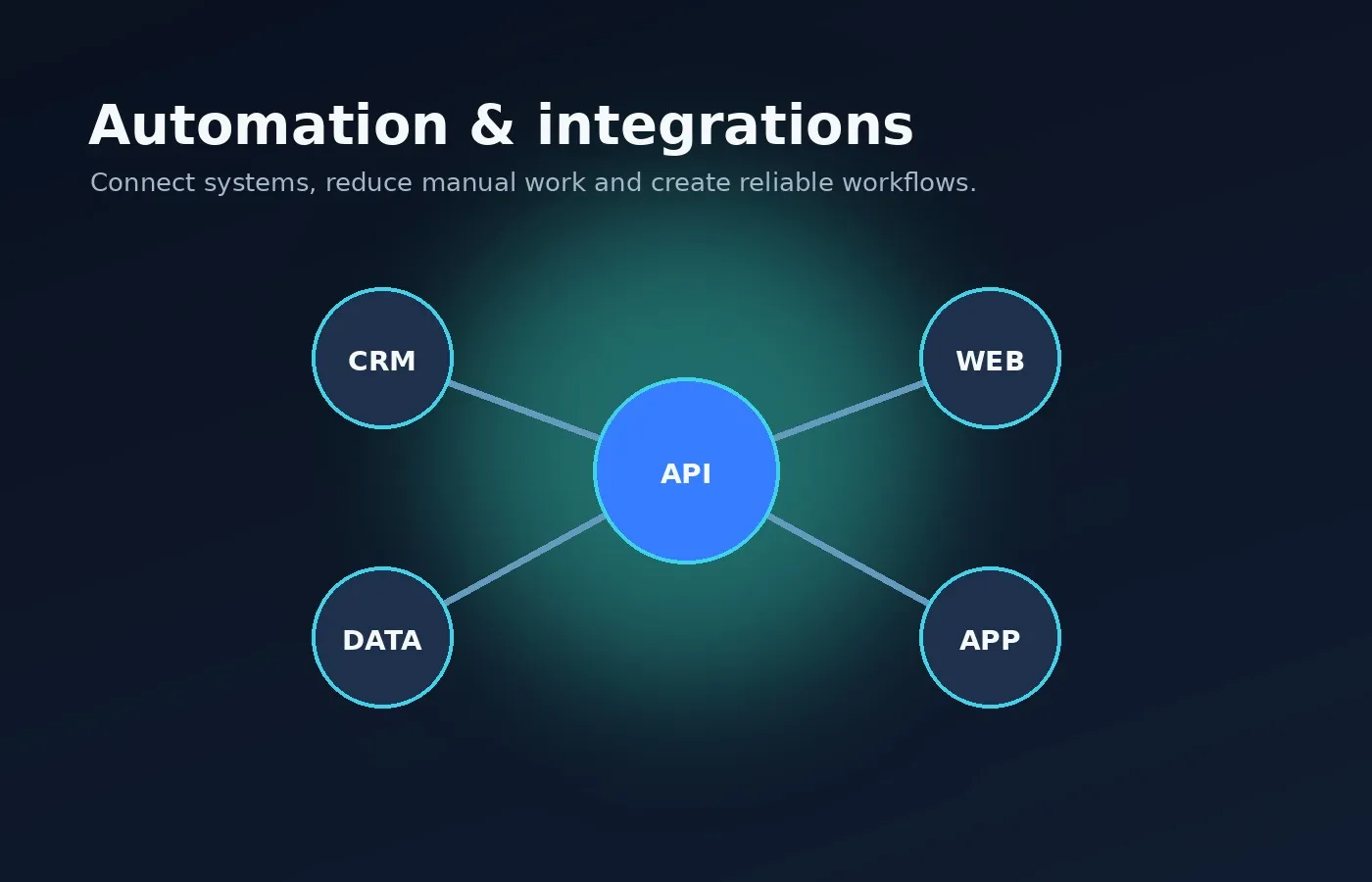
Where automation helps
Many business processes involve copying information between systems, sending the same notifications over and over, or manually moving work through the same steps. Each step is small, but together they take hours every week and introduce errors. Automation removes that friction by connecting systems and turning repeatable steps into dependable workflows.
Good candidates for automation share a few traits: the steps are the same each time, the information already exists in a digital system, and mistakes or delays have a real cost.
Examples of automation and integration projects
Form-to-CRM workflows
Website enquiries arrive in your CRM with the right fields filled in, and the right person is notified straight away.
Appointment and notification flows
Confirmations, reminders and follow-ups sent automatically by email or text when bookings are made or changed.
API integrations
Connect two or more systems through their APIs so records stay consistent without re-typing.
Data synchronization
Keep customers, products, orders or inventory in step across the tools that each need a copy.
Automated reports
Scheduled reports and dashboards assembled from several sources and delivered when they are needed.
Approval workflows
Route requests, quotes or documents to the right approver with reminders and a clear audit trail.
Internal alerts
Notify the team when something needs attention: an overdue task, a failed payment or a stock level running low.
Document generation
Create quotes, invoices, letters and PDFs from templates using data that already exists in your systems.
How we approach automation
- Map the current process. We document each step, who does it, which systems are involved and how long it takes.
- Pick the highest-value steps. Not everything should be automated. We start where time savings and error reduction are greatest.
- Check what each system supports. APIs, webhooks, exports and permissions determine what can be connected and how.
- Build with failure in mind. Automations log what they do, retry safely when a service is briefly unavailable, and alert a person when something needs attention.
- Test with real scenarios. Including the unusual cases, before anything runs on live data.
- Document and hand over. You get a plain-language description of what runs, when and where to look if something changes.
Reliability and security
Automations often handle customer and financial data, so access is limited to what each workflow needs, credentials are stored securely rather than in spreadsheets or emails, and every step is logged. When a connected service changes or goes down, the workflow stops cleanly and tells someone, instead of silently producing wrong data.
Integrations or custom software?
If your existing tools already do most of the job, connecting them is usually faster and less expensive than replacing them. When the gap is bigger than an integration can bridge, custom software development may be the better long-term answer. We will recommend the simplest option that solves the problem.
Related services
Discuss an automation project
Describe the repetitive work you would like to remove.